
AI Agent Context Window Management: Compaction, Subcontexts & Token Control
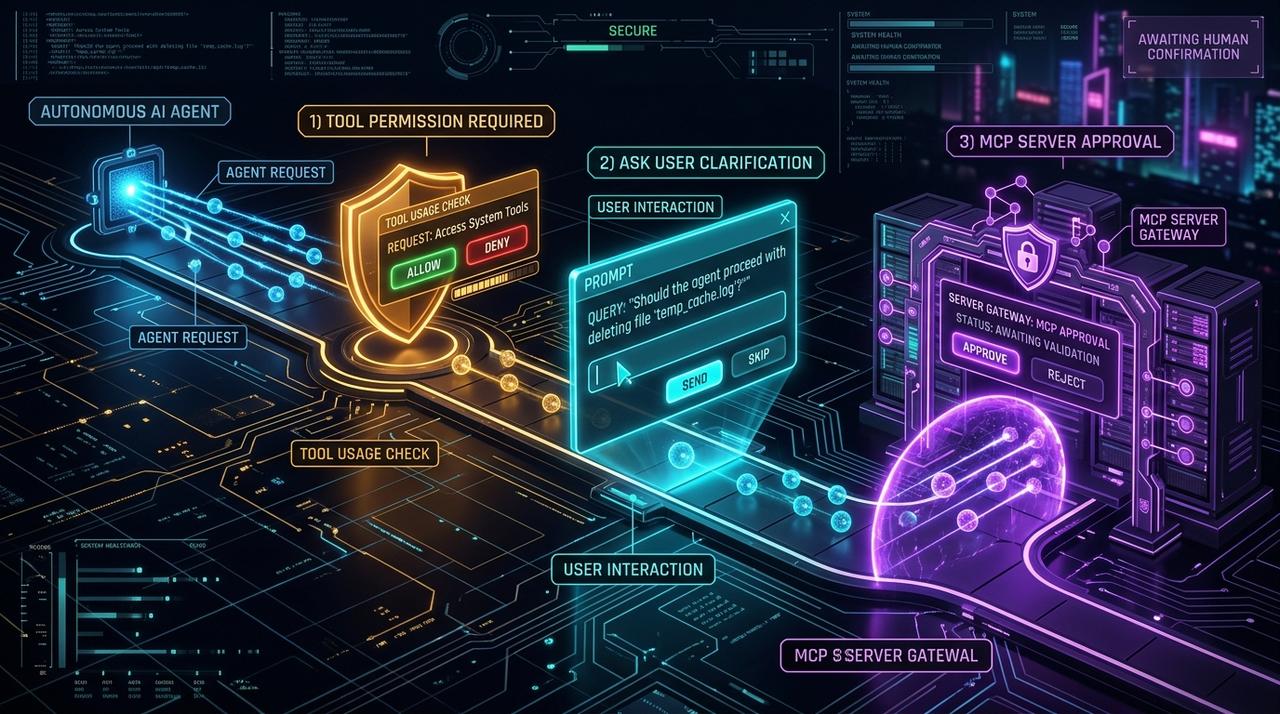
Context is the scarcest resource in a long-running agent. Every file read, command output, and tool result competes for the same finite window, and when it overflows the agent either errors out or silently forgets the goal it started with. **Context window management** is the discipline of keeping an agent coherent across hundreds of turns without paying for the entire history on every request. This guide covers the three techniques that matter — compaction, subcontext memory, and token budgeting — and how [Smoke Monkey Harness](/solutions/what-is-an-ai-agent-harness) implements all of them.
AI Agent Context Window Management: Compaction, Subcontexts & Token Control: Context is the scarcest resource in a long-running agent. Every file read, command output, and tool result competes for the same finite window, and when it overflows the agent either errors out or silently forgets the goal it started with. **Context window management** is the discipline of keeping an agent coherent across hundreds of turns without paying for the entire history on every request. This guide covers the three techniques that matter — compaction, subcontext memory, and token budgeting — and how [Smoke Monkey Harness](/solutions/what-is-an-ai-agent-harness) implements all of them. Designed as a zero-dependency, open-source TypeScript architecture under the MIT License with native Model Context Protocol (MCP) support and deterministic phase state machines.
- The context window is a budget: without management, a coding session can spend tens of thousands of tokens re-sending history on every turn.
- Compaction summarizes old turns into structured blocks instead of truncating them, preserving decisions while cutting tokens.
- Subcontext memory isolates tasks into separate, scoped windows so unrelated work cannot pollute each other.
- Smoke Monkey Harness automates all three in its 6-phase loop; **Smoke Monkey Canvas** extends the same memory model across many agents.
import { createAgent } from 'smoke-monkey-harness';const agent = createAgent({provider: 'anthropic',model: 'claude-sonnet-4',apiKey: process.env.ANTHROPIC_API_KEY,workspacePath: process.cwd(),context: {maxTokens: 120000,compaction: { threshold: 0.75, strategy: 'summarize' },},});await agent.run('Audit the codebase for memory leaks');
Watch: Related Video Guides
Anthropic Just Built an Agentic OS — Open Source Harness Breakdown
Smoke Monkey
How we solved Context Management in Agents
AI Engineer
Why the Context Window Becomes the Bottleneck
A single tool call can be enormous. Reading a 1,200-line file, capturing a test run, or diffing a lockfile can each add thousands of tokens. In a loop, the full history is re-sent every turn, so cost grows quadratically even when the model only needs the last few results. Left unmanaged, two things happen: the window overflows and the model drops the earliest messages — including your original requirements — or the bill explodes. The fix is not a bigger window; it is compaction and budgeting designed into the harness.
Truncation Is Not Management
Chopping the oldest messages deletes your constraints first. The agent keeps going with no memory of what you asked — the worst possible failure mode.
Technique 1 — Compaction
Compaction replaces verbose intermediate history with a structured summary: what the agent has learned, which files changed, what remains. Crucially it *preserves decisions* rather than discarding them. Smoke Monkey Harness triggers compaction at a configurable token threshold and keeps a rolling summary alongside the live turns, so a 300-turn session stays coherent. This is the single highest-leverage change for reducing per-turn input tokens.
import { createAgent } from 'smoke-monkey-harness';const agent = createAgent({provider: 'anthropic',model: 'claude-sonnet-4',workspacePath: process.cwd(),context: {maxTokens: 120000,compaction: {threshold: 0.75, // compact once 75% of the budget is usedstrategy: 'summarize', // condense logs, keep decisions and file statekeepRecentTurns: 8,},},});
Technique 2 — Subcontext Memory
Even a compacted window mixes unrelated work. Subcontext memory solves this by giving each task its own scoped window with its own summary, then exposing only the summaries to the parent agent. A refactor of the billing module and a bug fix in the router never fight for space, and the top-level agent sees a clean list of active workstreams rather than a wall of tool output. This is how Smoke Monkey keeps multi-step goals legible without a giant prompt.
Technique 3 — Token Budgeting and Cost Control
Management needs measurement. Smoke Monkey exposes token usage per turn and per phase, so you can cap spend with maxTokens, bound runaway loops with maxIterations, and choose cheaper models for mechanical steps while reserving frontier models for planning. Combined with compaction and subcontexts, this is how teams cut agent token cost without losing quality. The same budget model carries into Smoke Monkey Canvas, where each agent on the board (npx @smoke-monkey/canvas start) reports its own context and spend, so a swarm stays observable rather than mysterious.
import { createAgent } from 'smoke-monkey-harness';const agent = createAgent({provider: 'anthropic',model: 'claude-sonnet-4',workspacePath: process.cwd(),maxIterations: 40, // hard stop for runaway loopscontext: { maxTokens: 120000 },onUsage: (u) => console.log('[tokens] input:', u.input, 'output:', u.output),});await agent.run('Migrate the auth module to the new API and update tests');
Frequently Asked Questions
Q:What is the difference between compaction and truncation?
Truncation deletes old messages and loses the original goal. Compaction summarizes them into a structured block that keeps decisions, file state, and open tasks — so the agent stays coherent at a fraction of the tokens.
Q:Does context management work with local models like Ollama?
Yes. Budgets and compaction are harness features, not model features, so they apply equally to `provider: 'ollama'` and hosted APIs. Local models benefit most because their windows are often smaller.
Q:Can I customize the compaction prompt and threshold?
Yes. Set `context.compaction.threshold` and a `strategy` in `createAgent()` options, and supply your own summarization logic if you want different retention rules.
Q:How does Smoke Monkey Canvas handle context for many agents?
Each agent on the Canvas board keeps its own context budget and subcontext summary. Canvas renders per-agent token usage, so you can spot a runaway agent before a swarm-level bill surprises you.
Related Alternatives & Comparisons
Related Architecture Guides
View all guidesBest Open Source Coding Agents in 2026: Free, Local & Fully Hackable Harnesses
MCP Server Security Best Practices: Hardening Model Context Protocol Agents in 2026
Open Source Coding Agent Harness: Build a Forkable, Local AI Engineering Runtime
Build with Smoke Monkey Harness
Zero dependencies. 24 built-in tools. Human-in-the-loop safety. 100% open source under the MIT License.