
What Is an MCP Server? Model Context Protocol Explained for AI Agents (2026)
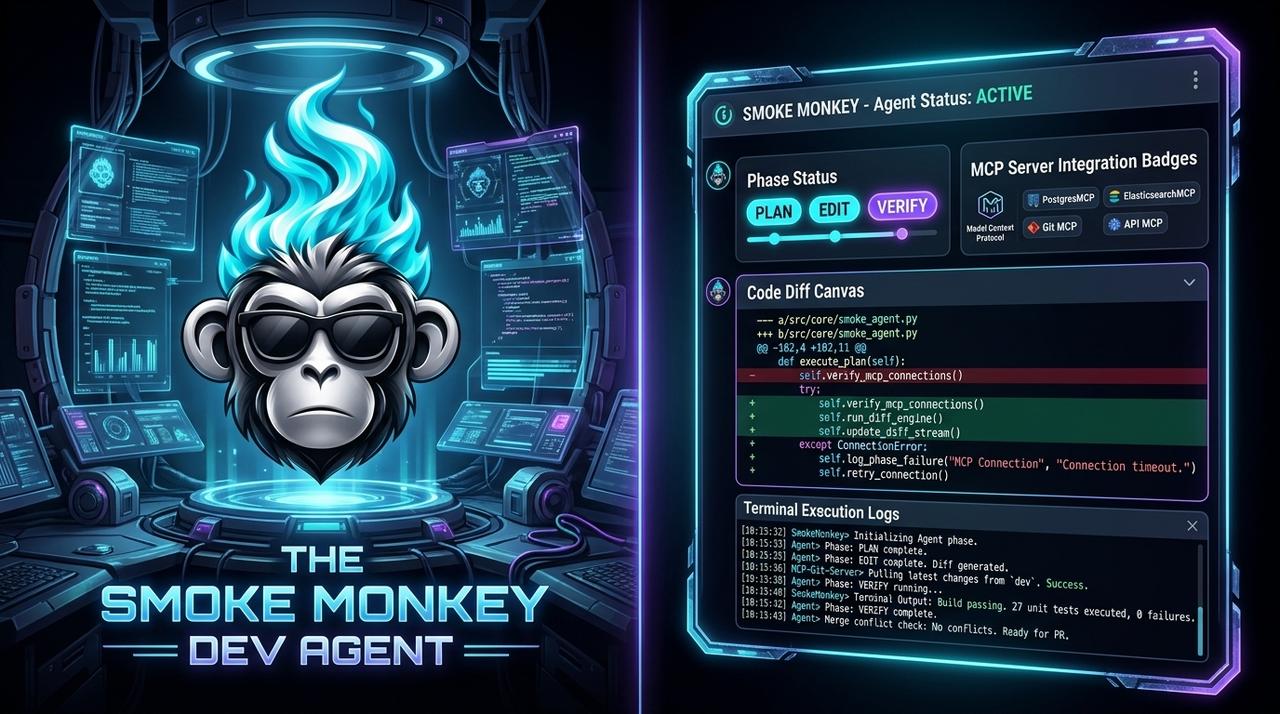
An **MCP server** is a small service that exposes tools, data, and prompts to an AI agent through the **Model Context Protocol**, an open standard for connecting models to the outside world. If you have ever wired a model to a database or filesystem, MCP is the standardized plug for that. This guide explains what an MCP server is, how the protocol works, and how to build one in TypeScript.
What Is an MCP Server? Model Context Protocol Explained for AI Agents (2026): An **MCP server** is a small service that exposes tools, data, and prompts to an AI agent through the **Model Context Protocol**, an open standard for connecting models to the outside world. If you have ever wired a model to a database or filesystem, MCP is the standardized plug for that. This guide explains what an MCP server is, how the protocol works, and how to build one in TypeScript. Designed as a zero-dependency, open-source TypeScript architecture under the MIT License with native Model Context Protocol (MCP) support and deterministic phase state machines.
- MCP is an open protocol; an MCP server exposes capabilities that any MCP-compatible host can consume.
- The model is: host (app) → client → server, speaking JSON-RPC 2.0 over stdio or HTTP.
- Servers expose three primitives: tools (actions), resources (data), and prompts (templates).
- Build one in TypeScript with Smoke Monkey Harness and gate every tool behind permissions.
import { createAgent, createMcpServer } from 'smoke-monkey-harness';const agent = createAgent({provider: 'anthropic',model: 'claude-3-7-sonnet',workspacePath: process.cwd(),});// Expose the agent and its tools as an MCP server over stdiocreateMcpServer({agent,transport: 'stdio', // or 'http'allowTools: ['read_file', 'list_dir', 'run_tests'],});
Watch: Related Video Guides
Anthropic Just Built an Agentic OS — Open Source Harness Breakdown
Smoke Monkey
How Model Context Protocol (MCP) actually works
Google Cloud Tech
MCP in One Paragraph
The Model Context Protocol is an open standard, originally introduced by Anthropic and now widely adopted, for connecting AI applications to external capabilities. Instead of every app writing bespoke glue for every database, API, and filesystem, MCP defines a common interface. An MCP server is the piece that exposes those capabilities. Any MCP-compatible host — Claude Desktop, an IDE agent, or your own app — can then use them without custom integration code. Think of MCP as USB-C for AI tools.
Hosts, Clients, and Servers: How the Pieces Fit
MCP has three roles. The host is the application the user interacts with. Inside the host, one client maintains a one-to-one connection to each server. The server exposes capabilities and does the actual work. They communicate using JSON-RPC 2.0 over one of two transports: stdio for local processes, or HTTP/SSE for remote servers. This clean separation is why the same server works across Claude Code, Cursor, Windsurf, and a custom TypeScript agent.
Local First, Remote When Needed
stdio keeps everything on your machine and is the default for developer tools. Choose HTTP transport only when the server must live on another host — and apply the same security rules either way.
The Three MCP Primitives: Tools, Resources, Prompts
An MCP server can expose three kinds of capability. Tools are actions the model can invoke — read a file, run a query, call an API. Resources are data the host can read into context — a document, a schema, a log. Prompts are reusable templates the user can call explicitly. Most developer servers are 90% tools plus a handful of resources. Because tools grant real capability, they are also the part attackers target, which is why MCP server security deserves its own treatment.
Building an MCP Server in TypeScript
You do not need much to ship an MCP server. Define your tools with names, descriptions, parameter schemas, and handlers; register them behind a transport; and keep permissions explicit. Smoke Monkey Harness gives you a zero-dependency path: create an agent, attach tools, and call createMcpServer. From there, Claude Code, Cursor, and any MCP host can drive your tools under your human-in-the-loop gates. To decide between MCP and bespoke integration, read MCP server vs custom tools.
import { defineTool, createMcpServer } from 'smoke-monkey-harness';const searchDocs = defineTool({name: 'search_docs',description: 'Search the internal documentation and return matching sections',parameters: { query: 'string' },run: async ({ query }) => searchInternalDocs(query),});createMcpServer({ tools: [searchDocs], transport: 'stdio' });
Frequently Asked Questions
Q:What is an MCP server in simple terms?
An MCP server is a small program that exposes tools, data, and prompts to an AI agent through the open Model Context Protocol, so any compatible app can use those capabilities without custom glue code.
Q:Is MCP the same as an API?
No. An API is a general interface for software. MCP is a specific standard that describes tools, resources, and prompts in a way language models can discover and call safely. MCP servers often wrap existing APIs.
Q:What is the difference between stdio and HTTP MCP transport?
stdio runs the server as a local process and is ideal for developer tools and privacy. HTTP/SSE is used when the server runs remotely or must be shared across machines.
Q:Can I build an MCP server without a framework?
Yes, but a harness gives you the tool schema handling, transport wiring, permissions, and logging for free. Smoke Monkey Harness lets you define tools and call createMcpServer with zero runtime dependencies.
Related Alternatives & Comparisons
Claude Agent Skills vs MCP: What Is the Difference? (Free Open Source Guide 2026)
LangChain TypeScript Alternative: Zero Dependencies & Deterministic Loops
CrewAI TypeScript Alternative: Autonomous Agent Loop Without Python
Related Architecture Guides
View all guidesBest Open Source Coding Agents in 2026: Free, Local & Fully Hackable Harnesses
MCP Server Security Best Practices: Hardening Model Context Protocol Agents in 2026
Open Source Coding Agent Harness: Build a Forkable, Local AI Engineering Runtime
Build with Smoke Monkey Harness
Zero dependencies. 24 built-in tools. Human-in-the-loop safety. 100% open source under the MIT License.