
MCP Tools Marketplace: Discover, Install, and Build MCP Servers
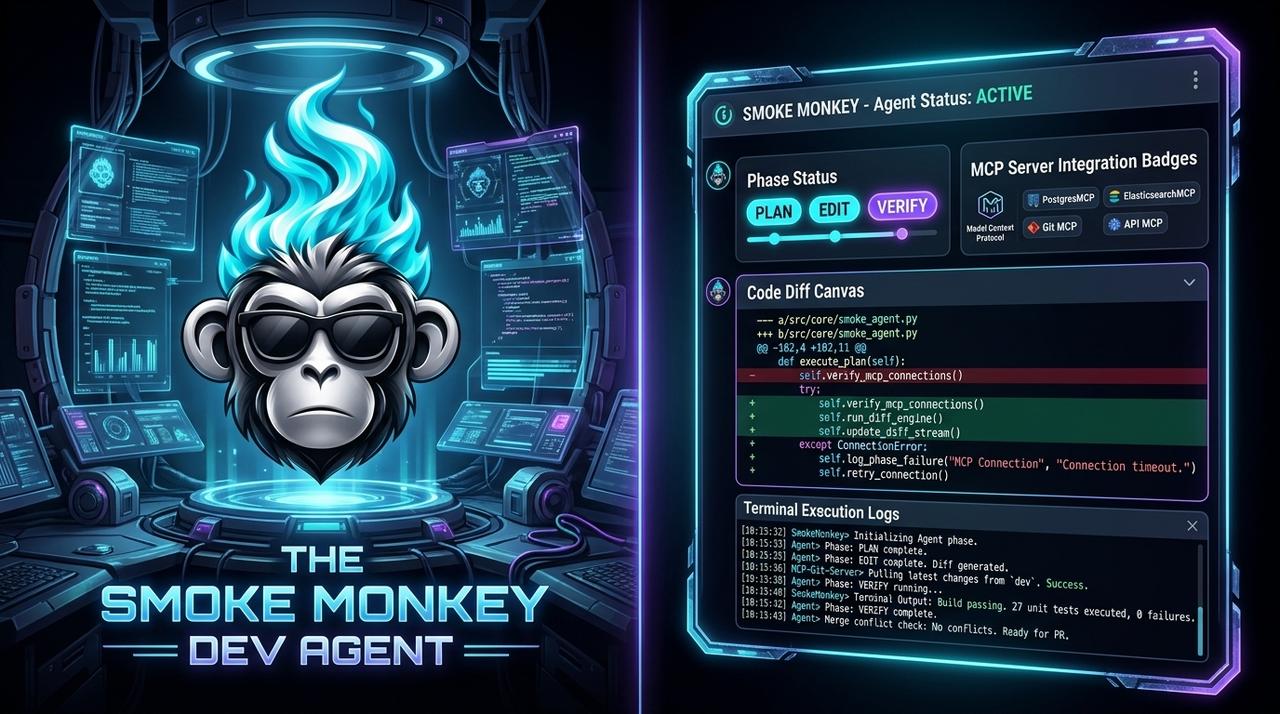
The Model Context Protocol standardized how agents call tools, which made a marketplace possible: a place to discover, install, and share MCP servers. This guide covers discovering and vetting servers, building your own MCP tools in TypeScript, and how Smoke Monkey Canvas exposes 300+ tools to a multi-agent swarm.
MCP Tools Marketplace: Discover, Install, and Build MCP Servers: The Model Context Protocol standardized how agents call tools, which made a marketplace possible: a place to discover, install, and share MCP servers. This guide covers discovering and vetting servers, building your own MCP tools in TypeScript, and how Smoke Monkey Canvas exposes 300+ tools to a multi-agent swarm. Designed as a zero-dependency, open-source TypeScript architecture under the MIT License with native Model Context Protocol (MCP) support and deterministic phase state machines.
- An MCP tools marketplace is a registry of servers that each advertise typed tools an agent can call over stdio.
- Vet before you install: read the source, pin a version, and grant scoped credentials per server.
- When the marketplace misses your use case, build a typed MCP tool in a few lines of TypeScript.
- Smoke Monkey Canvas attaches many MCP servers to many agents, exposing 300+ tools across one swarm.
import { createAgent, createMcpServer } from 'smoke-monkey-harness';// Agent that consumes MCP toolsconst agent = createAgent({provider: 'anthropic',model: 'claude-sonnet-5',workspacePath: process.cwd(),permissions: { read_file: 'allow', run_command: 'ask' },});// Expose your own tools over MCP stdiocreateMcpServer({agent,allowTools: ['read_file', 'list_dir', 'run_tests', 'search_docs'],auditLog: './mcp-audit.log',});
Watch: Related Video Guides
Anthropic Just Built an Agentic OS — Open Source Harness Breakdown
Smoke Monkey
MCP Servers Explained & Built
Tech With Tim
What an MCP Tools Marketplace Actually Is
The Model Context Protocol standardized how agents call tools, which made a marketplace possible: a place to discover, install, and share MCP servers. Instead of writing a bespoke integration for GitHub, Postgres, or Slack, you install a server that advertises its tools with typed schemas. MCP turns tool access into a plug-in model, and the marketplace is where those plug-ins live. The model of an MCP tool is deliberately simple: a name, a JSON schema for inputs, and a handler that returns text or structured data.
Discovering and Installing MCP Servers
A healthy workflow is vet → pin → scope. Read the server source before you run it, pin an exact version so an update cannot silently change behavior, and grant scoped credentials per server rather than reusing an admin token. Smoke Monkey Harness connects to MCP servers over stdio, so any compliant server drops in. Canvas ships with a large set of pre-configured connections — GitHub, Docker, Postgres, filesystem, web search, and more — which is how a single swarm accumulates 300+ tools. Before wiring in third-party servers, review the MCP security best practices and the MCP vs custom tools trade-off.
Treat every installed server as a dependency you are trusting
An MCP server can read and act. Pin versions, review the source, and keep permissions deny-by-default. A compromised server is a compromised agent.
Building Your Own MCP Tools
When the marketplace misses your use case, you build a server. Smoke Monkey exposes helpers that turn a plain TypeScript function into an MCP tool with a typed schema, then register it for any agent. This is the fastest path from an internal function — querying your database, hitting a private API — to an agent capability that any MCP-compatible client can call. Keep each tool small, side-effect-honest, and documented so the model can reason about when to use it.
import { defineTool, createMcpServer } from 'smoke-monkey-harness';const searchDocs = defineTool({name: 'search_docs',description: 'Search the internal engineering docs and return the top matches',parameters: { query: { type: 'string' } },handler: async ({ query }) => {const hits = await docsIndex.search(query, { limit: 5 });return hits.map((h) => h.title + ' - ' + h.url).join('\n');},});createMcpServer({ tools: [searchDocs] });
Exposing 300+ Tools to a Swarm on the Canvas
Tools are most powerful in aggregate. Smoke Monkey Canvas lets you attach many MCP servers to many agents, so a swarm can span code, data, and messaging tools simultaneously — 300+ tools across the whole canvas. Each agent keeps a narrow tool scope for safety, while you observe every call from one spatial view and approve the dangerous ones inline. Launch it with a single command and connect the servers your team already relies on.
# Attach MCP servers to agents on the infinite canvasnpx @smoke-monkey/canvas start
Frequently Asked Questions
Q:What is an MCP tools marketplace?
It is a registry of Model Context Protocol servers you can discover and install. Each server advertises typed tools that any MCP-compatible agent can call, replacing one-off integrations.
Q:How many tools does Smoke Monkey support?
The harness connects to any number of MCP servers over stdio, and Smoke Monkey Canvas ships pre-configured connections that expose 300+ tools across a swarm.
Q:Can I build a custom MCP server in TypeScript?
Yes. Smoke Monkey provides defineTool and createMcpServer helpers, so a typed TypeScript function becomes an MCP tool and is served over stdio in a few lines.
Q:Are marketplace MCP servers safe to install?
Only if you vet them. Read the source, pin versions, and keep permissions deny-by-default. See our MCP server security best practices for a hardening checklist.
Related Alternatives & Comparisons
Related Architecture Guides
View all guidesBest Open Source Coding Agents in 2026: Free, Local & Fully Hackable Harnesses
MCP Server Security Best Practices: Hardening Model Context Protocol Agents in 2026
Open Source Coding Agent Harness: Build a Forkable, Local AI Engineering Runtime
Build with Smoke Monkey Harness
Zero dependencies. 24 built-in tools. Human-in-the-loop safety. 100% open source under the MIT License.