
Prompt Injection to RCE: How Smoke Monkey Neutralizes Prompt Shells
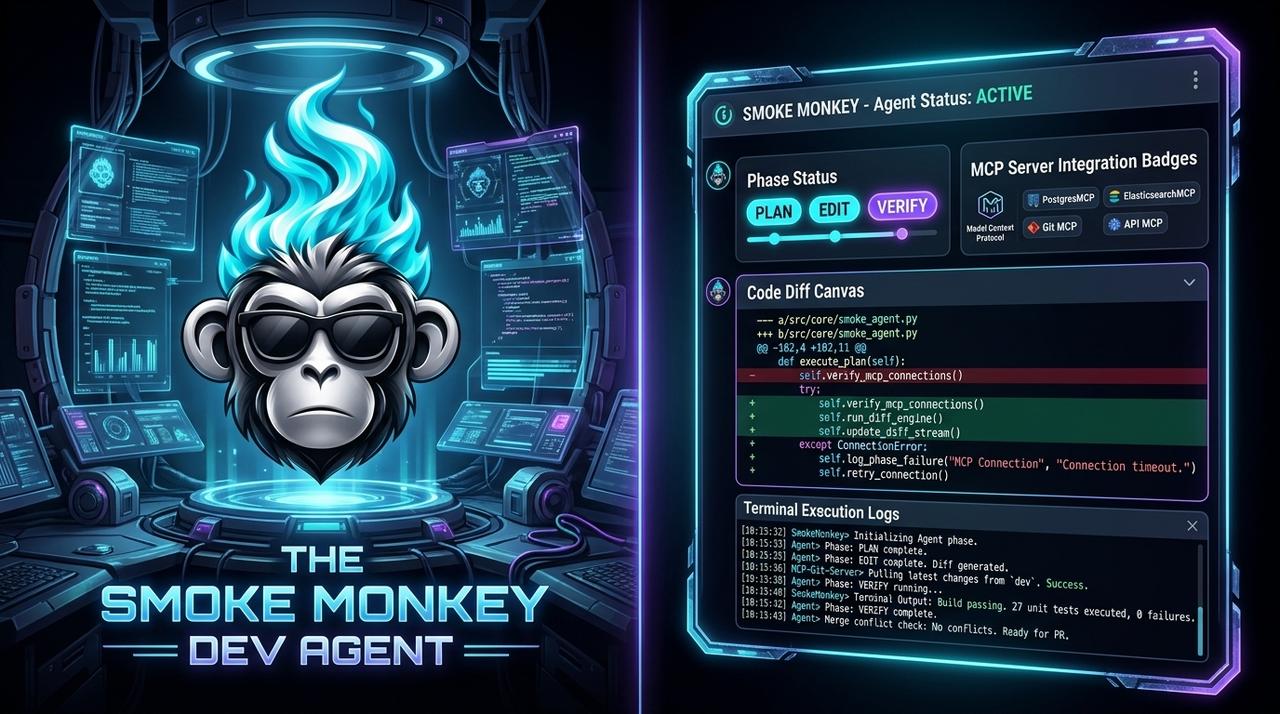
Prompt injection used to mean a skewed answer. In 2026 it means **remote code execution**: vulnerabilities like **CVE-2026-25592** and **CVE-2026-26030** in Microsoft Semantic Kernel let crafted prompts run arbitrary code, and OWASP now lists prompt injection at the top of its **Agentic Apps** risks. The fix is not a better prompt filter — it is a runtime that treats every tool call as untrusted. This guide shows how [Smoke Monkey Harness](/solutions/what-is-an-ai-agent-harness) neutralizes "prompt shells" with deterministic policy, permission gating, and sandboxing, watched live on **Smoke Monkey Canvas**.
Prompt Injection to RCE: How Smoke Monkey Neutralizes Prompt Shells: Prompt injection used to mean a skewed answer. In 2026 it means **remote code execution**: vulnerabilities like **CVE-2026-25592** and **CVE-2026-26030** in Microsoft Semantic Kernel let crafted prompts run arbitrary code, and OWASP now lists prompt injection at the top of its **Agentic Apps** risks. The fix is not a better prompt filter — it is a runtime that treats every tool call as untrusted. This guide shows how [Smoke Monkey Harness](/solutions/what-is-an-ai-agent-harness) neutralizes "prompt shells" with deterministic policy, permission gating, and sandboxing, watched live on **Smoke Monkey Canvas**. Designed as a zero-dependency, open-source TypeScript architecture under the MIT License with native Model Context Protocol (MCP) support and deterministic phase state machines.
- Prompt injection crossed into RCE in 2026; CVEs in agent frameworks let a prompt reach a shell.
- Prompt-level defenses are probabilistic; a tool-execution boundary is deterministic.
- Smoke Monkey Harness denies untrusted input the ability to reach command execution by default.
- Smoke Monkey Canvas exposes every tool call so you can see what a prompt actually tried to run.
import { createAgent } from 'smoke-monkey-harness';// Untrusted content meets a deterministic boundary, not a shellconst agent = createAgent({provider: 'anthropic',model: 'claude-sonnet-5',workspacePath: process.cwd(),permissions: {read_file: 'allow',run_command: 'deny', // no prompt can reach a shellnetwork: 'deny',},sanitizeToolArgs: true, // strict schema validation on every call});await agent.run('Summarize this untrusted README and suggest edits');// Inspect every tool call on the canvas: npx @smoke-monkey/canvas start
Watch: Related Video Guides
Anthropic Just Built an Agentic OS — Open Source Harness Breakdown
Smoke Monkey
Prompt Injection: How Prompt Injection Works
WireDogSec
What a Prompt Shell Is
A prompt shell is the agent-era version of a web shell: instead of smuggling a script through a form field, an attacker smuggles instructions through any content the agent reads — a web page, an issue, a file, a tool result. If the runtime passes that content into a shell-evaluating tool, the prompt becomes code. The 2026 Semantic Kernel vulnerabilities (CVE-2026-25592, CVE-2026-26030) are the canonical example: crafted input escalated from text to remote code execution. OWASP's Top 10 for Agentic Apps now ranks prompt injection first for exactly this reason. The takeaway is architectural: the boundary between *reading* and *executing* must be policy, not prompt wording — the boundary Smoke Monkey Harness enforces.
Why Prompt Filters Cannot Save You
Teams often try to filter injection with heuristics, system-prompt warnings, or an LLM "judge". All three are probabilistic: a novel encoding or a cleverly placed instruction slips past. Worse, the judge is itself a model reading the same untrusted input. Deterministic defenses are different: they do not try to detect the attack, they remove its ability to act. A tool that is deny cannot be invoked no matter what the prompt says; a schema that validates arguments rejects a payload shaped like a command. Smoke Monkey Canvas makes this concrete — you watch the attempted tool call appear on the agent card and get blocked, instead of trusting that a filter caught it.
Neutralizing the Attack at the Tool Boundary
Smoke Monkey Harness neutralizes prompt shells in three layers. First, permission gating: destructive tools default to ask or deny, so the model cannot spontaneously run a command. Second, typed tool schemas: every MCP tool declares its arguments, and anything that does not match is rejected before execution. Third, sandboxing: even permitted commands run confined, with a read-only host and no network by default. Together these make injection a nuisance rather than a breach. Read the deeper MCP server security best practices and the agent security sandboxing guide.
import { createAgent, defineTool } from 'smoke-monkey-harness';// A typed tool cannot be tricked into shell evaluationconst readDoc = defineTool({name: 'read_doc',description: 'Read a document by id; never executes content',parameters: { type: 'object', properties: { id: { type: 'string' } }, required: ['id'] },handler: async ({ id }) => ({ output: await docs.get(id) }),});const agent = createAgent({provider: 'anthropic',model: 'claude-sonnet-5',workspacePath: process.cwd(),tools: [readDoc],permissions: { run_command: 'deny', network: 'deny' },validateToolArgs: 'strict',});
Watching for Injection Attempts on the Canvas
Detection still matters — you want to know when someone tried. Because Smoke Monkey logs every tool call and permission decision, you can alert on a denied command, an oversized argument, or a burst of tool retries. Smoke Monkey Canvas (npx @smoke-monkey/canvas start) surfaces those events inline across 300+ MCP tools, and human-in-the-loop pauses turn a suspicious action into a reviewable prompt. Run a multi-agent setup and a single injection attempt lights up the agent that read the poisoned content, with its whole cascade visible on one board.
import { createAgent } from 'smoke-monkey-harness';// Alert on anything a prompt should never be able to doconst agent = createAgent({provider: 'anthropic',model: 'claude-sonnet-5',workspacePath: process.cwd(),permissions: { run_command: 'deny', network: 'deny' },onEvent: (e) => {if (e.type === 'permission_denied') security.alert(e);if (e.type === 'tool_call') audit.log(e);},});await agent.run('Summarize the untrusted changelog');
Frequently Asked Questions
Q:What is prompt injection to RCE?
It is an attack where crafted text the agent reads contains instructions that cause the runtime to execute code — a "prompt shell". The 2026 Semantic Kernel CVEs are examples of exactly this escalation.
Q:Why are prompt filters not enough?
Because they are probabilistic. A filter tries to detect the attack; a deterministic permission boundary removes the attack's ability to execute a tool at all. Defense belongs at the boundary.
Q:How does Smoke Monkey stop prompt shells?
It denies command execution by default, validates every tool argument against a typed schema, and sandboxes permitted commands with no host write or network access.
Q:Can I see when an injection is attempted?
Yes. Smoke Monkey logs every tool call and permission decision, and Smoke Monkey Canvas surfaces denials and pauses inline so you can review an attempt while it happens.
Related Alternatives & Comparisons
Claude Agent Skills vs MCP: What Is the Difference? (Free Open Source Guide 2026)
LangChain TypeScript Alternative: Zero Dependencies & Deterministic Loops
Claude Code Runtime Alternative: Open Source Stdio MCP Agent Harness
Related Architecture Guides
View all guidesBest Open Source Coding Agents in 2026: Free, Local & Fully Hackable Harnesses
MCP Server Security Best Practices: Hardening Model Context Protocol Agents in 2026
Open Source Coding Agent Harness: Build a Forkable, Local AI Engineering Runtime
Build with Smoke Monkey Harness
Zero dependencies. 24 built-in tools. Human-in-the-loop safety. 100% open source under the MIT License.