Signal Blocks AI Agent Screenshots: The Privacy & Sandboxing Architecture for 2026
Signal has updated its mobile apps to block OS-level AI agents from reading private chats via screenshots. We analyze the vulnerability of display-buffer visual scraping, prompt injection risks, and how Smoke Monkey Harness implements true zero-trust process isolation and granular AST editing instead of unconstrained visual inspection.
Signal Blocks AI Agent Screenshots: The Privacy & Sandboxing Architecture for 2026: Signal has updated its mobile apps to block OS-level AI agents from reading private chats via screenshots. We analyze the vulnerability of display-buffer visual scraping, prompt injection risks, and how Smoke Monkey Harness implements true zero-trust process isolation and granular AST editing instead of unconstrained visual inspection. Designed as a zero-dependency, open-source TypeScript architecture under the MIT License with native Model Context Protocol (MCP) support and deterministic phase state machines.
- Display Buffer Vulnerability Analysis: How system-level VLMs (Siri, Gemini, Recall) read unencrypted framebuffer memory directly from the screen.
- Beyond Client-Side FLAG_SECURE: Why operating system screenshot blocking is an incomplete defense on desktop platforms (macOS/Linux).
- Process-Isolated AST Sandboxing: Smoke Monkey executes verified code changes through syntax trees rather than unrestricted visual screen scraping.
- Granular Capability Gates: Strict human-in-the-loop tri-state permissions (allow | ask | deny) ensuring zero unauthorized data exfiltration.
import { createAgent, createWorkspace } from "smoke-monkey-harness";// Create an isolated sandbox workspace preventing display/clipboard inspectionconst workspace = await createWorkspace({root: process.cwd(),sandbox: "process-isolated", // Enforces strict OS isolation boundarynetwork: "restricted", // Prohibits arbitrary outbound data exfiltration});const secureAgent = createAgent({provider: "custom",model: "deepseek-r1:8b",workspace,permissions: {read_file: "allow",write_file: "ask", // Requires explicit confirmation for file writesrun_command: "ask", // User must approve shell executionscreen_capture: "deny", // Explicitly blocks any visual screen capture API},});// Run verified refactoring without granting desktop visual accessconst audit = await secureAgent.run("Audit authentication middleware for secret leakage");console.log("Security Status:", audit.summary);
Watch: Related Video Guides
Signal Blocks AI Agents From Reading Your Chats
Meta Muse AI Leak: Bank Balances in a Weather Chat + Signal Fights Back
The Death of Display-Level Privacy: How Agentic Vision Bypasses Encryption
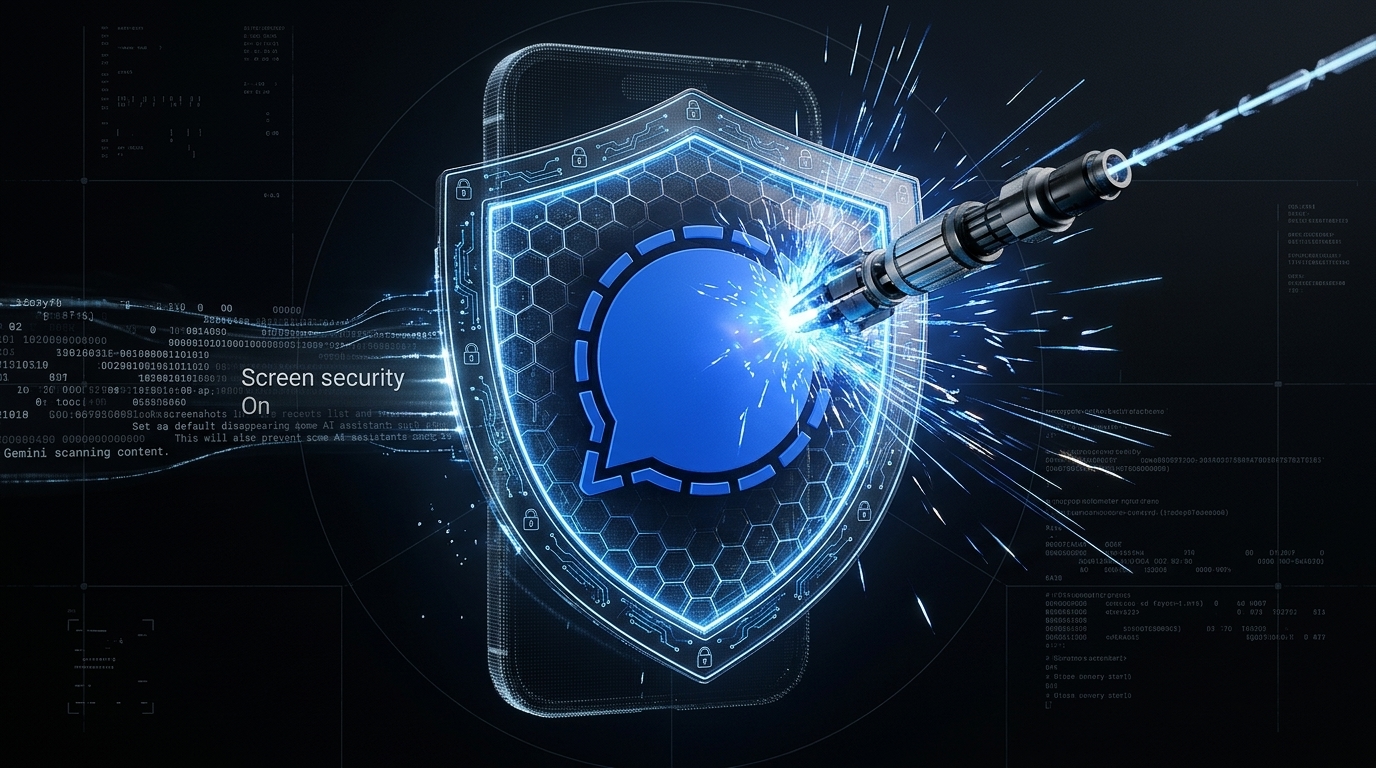
In late November 2026, Signal deployed an emergency security update blocking screenshots and screen-capturing APIs by default on Android and iOS. As Signal President Meredith Whittaker warned, end-to-end encryption (E2EE) protects data in transit across the wire, but it is rendered obsolete if an OS-level AI assistant (such as Apple Intelligence, Google Gemini, or Windows Recall) continuously captures display buffer frames to index user activity.
When an AI agent uses visual screen scraping, it ingests sensitive credentials, personal messages, and internal source code directly into its context window—exposing users to indirect prompt injection attacks where malicious website text displayed on-screen can hijack the agent"s execution loop.
The Screen Scraping Vector
Visual screen scraping turns your active monitor into an unauthenticated prompt injection surface. Never allow AI coding agents unrestricted OS screenshot permissions.
Security Architecture Comparison: Screen Scraping vs AST Sandboxing
Rather than relying on brittle visual models that observe your entire desktop, professional engineering agents require structural code inspection:
| Security Parameter | Visual Screen Capture (VLMs) | Accessibility Tree Scraping | Smoke Monkey AST Sandboxing |
|---|---|---|---|
| Data Exposure | Entire desktop screen (chats, bank tabs, emails) | Active window UI hierarchy | Only targeted files in designated workspace |
| Indirect Prompt Injection | Extremely High (malicious text in browser or chat) | High (manipulated DOM nodes) | Zero (Code parsed via strict Babel/TypeScript AST) |
| Network Exfiltration | Cloud VLM inference logs display snapshots | System daemon telemetry | 100% Local (Air-gapped, zero external telemetry) |
| Deterministic Safety | Probabilistic (hallucinated click coordinates) | Fragile accessibility IDs | Deterministic (Validated unit test verification loops) |
Architectural Principle
Smoke Monkey Harness never reads your desktop screen. It executes surgical, AST-aware edits within an isolated directory boundary.
Zero-Trust Capability Gates in Smoke Monkey Harness
Smoke Monkey enforces a Zero-Trust Capability Model:
- Deterministic Permission Tri-State: Every tool call—whether running a shell command, reading an environment variable, or editing a file—is checked against a deterministic gate (
allow,ask, ordeny). Critical operations default to human approval. - Ephemeral Process Chroots: Terminal commands executed by agents run inside sandboxed sub-processes that cannot inspect parent process memory or read user home directories.
- Local SQLite Audit Trail: Every tool invocation and model reasoning token is logged into local SQLite, providing an immutable audit log with zero cloud telemetry.
Multi-Agent Security Zones on Smoke Monkey Canvas
When orchestrating multiple autonomous agents on Smoke Monkey Canvas, security boundaries are visual and spatial. You can designate Quarantine Zones for untrusted code execution and Production Zones for verified releases, ensuring that untrusted agents cannot read memory or file handles from secure agents.
Frequently Asked Questions
Q:Why did Signal block screenshots against AI agents?
Operating systems are integrating continuous visual AI agents (like Apple Intelligence and Google Gemini) that passively capture screenshots to summarize and index content. Signal blocked screen capture APIs to prevent unencrypted chat text from being indexed into commercial AI cloud training pipelines.
Q:Why is screenshot blocking considered an incomplete defense?
On open desktop operating systems like macOS and Linux, applications cannot prevent root-level or accessibility-level screenshot capture. A complete defense requires structural process isolation rather than relying on OS display flags.
Q:How does Smoke Monkey Harness prevent unauthorized data access?
Smoke Monkey runs with zero external cloud telemetry, stores state in local SQLite, and restricts agents to designated workspace folders using strict AST parsing and human-in-the-loop permission prompts.
Q:What is an indirect prompt injection attack via screen capture?
An indirect prompt injection occurs when an AI agent reads text from a screen (such as a website or chat message) that contains hidden instructions commanding the agent to exfiltrate private files or execute malicious terminal scripts.
Related Alternatives & Comparisons
Related Architecture Guides
View all guidesBest Open Source Coding Agents in 2026: Free, Local & Fully Hackable Harnesses
MCP Server Security Best Practices: Hardening Model Context Protocol Agents in 2026
Open Source Coding Agent Harness: Build a Forkable, Local AI Engineering Runtime
Build with Smoke Monkey Harness
Zero dependencies. 24 built-in tools. Human-in-the-loop safety. 100% open source under the MIT License.